
How the Ector County Court Calendar Works
No single calendar governs every courtroom here. The County Courts at Law post calendars for county-level matters, while five District Courts publish schedules and instructions on their own county pages. Four Justice of the Peace offices keep precinct dockets. Odessa Municipal Court runs a separate docket for city ordinance, traffic, and Class C cases. The court name on the case record is the routing fact that matters most.
Reading a calendar is not the same as reading a result. Ector County entries carry labels like arraignment, plea conference, civil non-jury, probation revocation, status conference, jury docket call, and dismissal docket. Those words describe planned court work. They say nothing about an outcome. Whether a matter went forward, moved, or ended shows up only in later docket entries or a signed order.
Ector County Search Hearings
The Ector Odyssey Public Portal splits case searches from calendar searches. "Smart Search" is the case route. "Search Hearings" pulls upcoming settings instead. The landing page needs JavaScript and cookies. Its deeper controls change from session to session, so work only with the fields the screen shows you. Another Tyler county may not match this screen at all.
- Open the official portal and select “Search Hearings.”
- Use the cause number first if the live screen permits it.
- Apply the shown court and date filters.
- Open the match and confirm court, setting type, time, and place.
- Compare the result with the newest signed order.
The free portal gives a real-time case index and upcoming hearings. It also lists electronic docket entries for paperless courts. It shows no public document images. A missing order image still does not erase the hearing. When you need formal proof, ask the holding clerk for the notice.
Ector County Court Date Lookups
Pull the cause number and the exact court before anything else. Find them on your citation, pleading, prior order, or case result. That one step saves a call to the wrong office. District Court matters call for the county portal and the assigned District Court page. Then go to the District Clerk. County Court at Law records split between the County Clerk and the District Clerk, depending on the record type. JP and Odessa Municipal cases stay with those courts.
- Check “Search Hearings” in the Ector County portal.
- Open the assigned court's official calendar or standing order.
- Use re:SearchTX as a statewide cross-check.
- Call the clerk or coordinator if entries conflict.
- Visit the clerk's counter for an older or non-imaged record.
- Check a current printed calendar posted by the court when attending.
The District Clerk sits in Room 301 at 300 N Grant Ave., Odessa. Hours run Monday through Friday from 8:00 a.m. to 4:30 p.m., at 432-498-4290. The County Clerk is in Room 111 at the same address. It answers 432-498-4130 during the same posted hours. Both accept mailed record requests. A mailed request is still a poor tool for a last-minute date check.
Ector County Calendar Labels
Local labels deserve care. Entries that sound like trial dates are often just planning events. County Courts at Law list Pre-Trial Docket Call and JP Appeals Docket Call. The same pages show Will Plea Docket, Felony Pending Docket Status Conference, and Show Cause Hearing. District pages add Civil Jury, Criminal Jury, First Pre-Trial Conference, Final Pre-Trial Conference, and Non-Jury Dismissal. Read every label next to its court and its newest event date.
- Docket call
- A grouped call for status, scheduling, pleas, or disposition. It is not always a trial.
- Special setting
- A date and time reserved outside a regular docket.
- Dismissal docket
- A calendar for review of dismissal or other status action.
- Reset or continued
- The prior setting moved, so locate the newest event.
- Entry of orders
- A time for presenting or signing orders, not always a hearing.
One label, "WRC," appears as an unexplained field in an Ector County sample. No official expansion exists anywhere obvious. Copy the label down and ask the court what it means. Borrowing a definition from another county invites error.
Court Settings: What Each Field Means
An Ector County setting works only when its fields are read together. A date alone, without the assigned court, can send you to the wrong office. A time alone, without the setting type, may point to a group docket call. That group call is not your own hearing. Remote access differs by court, so weigh any Zoom note against the court's current direction.
| Date | The scheduled date; check for a later reset or order. |
|---|---|
| Time | The listed start for a call or individual setting. |
| Courtroom | The room, court, or remote indicator. |
| Judge | The judge or numbered court assigned to the case. |
| Setting Type | The event, such as arraignment, pretrial, call, hearing, or trial. |
Ector County posts current assignments on its official District Court Judges page. There you can find links to each court, jury weeks, and standing orders. Treat any general schedule as a planning tool only; a signed order in your own case is the precise source for date, time, and how you must appear.
Ector County Remote Hearing Rules
Remote hearings work differently in each Ector County court. Check the specific docket setting before you plan to appear from home. The 446th District Court posts Zoom settings for some pretrial and CPS dockets. It also splits its settings into categories. Temporary orders, protective orders, enforcement, entry of orders, uncontested matters, and final or special settings each get their own treatment.
The 161st District Court takes the opposite approach. It holds no Zoom or phone hearings at all. To get a hearing date there, email all parties first. The coordinator then replies with three available dates. Once everyone agrees, the parties confirm by email and e-file a proposed Order Setting Hearing. A Notice of Hearing will not work as the setting method. If no agreement is reached, the proposed order goes to the court. The date and time are left blank on it.
Note: Check the assigned court's latest order before relying on remote-access text in an older Ector County calendar.
When an Ector County Court Date Moves
A reset only changes the setting date. A continuance needs a court order or allowed process. Neither one happens just because someone asks. In the 161st, civil parties must file a timely motion under the Texas Rules of Civil Procedure, and criminal parties follow the Code of Criminal Procedure. The judge then rules on the request. The 446th adds a local warning. Its dismissal docket runs once in June and once in December, and posted instructions say a final hearing set from that docket has no continuance. If the portal shows a gap, do not assume the hearing vanished. Check the newest electronic docket entry, the signed order, and the court page. Call the court if those sources disagree.
The 446th Ector County Schedule
The 446th posts a detailed family and civil schedule for Ector County. It took effect May 1, 2025. Uncontested and self-represented matters sit on Wednesday at 10:00 a.m. Temporary Orders are Tuesday at 8:45 a.m. Entry of Orders falls on the third Monday at 1:30 p.m. Protective Orders land on the first and third Wednesday at 1:30 p.m., and Enforcement on the second and fourth Wednesday then.
Pretrial settings occur by Zoom. They use the second and fourth Friday at 10:00 a.m. CPS/Zoom patterns use the first, third, and fifth Friday at 10:00 a.m. The second and fourth Friday run at 1:30 p.m. Unless a time is stated, reserved docket time goes to final hearings or special settings. The current court pages and the case order still control.
For the full picture, turn to the official Ector County calendar source. It shows the wider range of county setting labels.
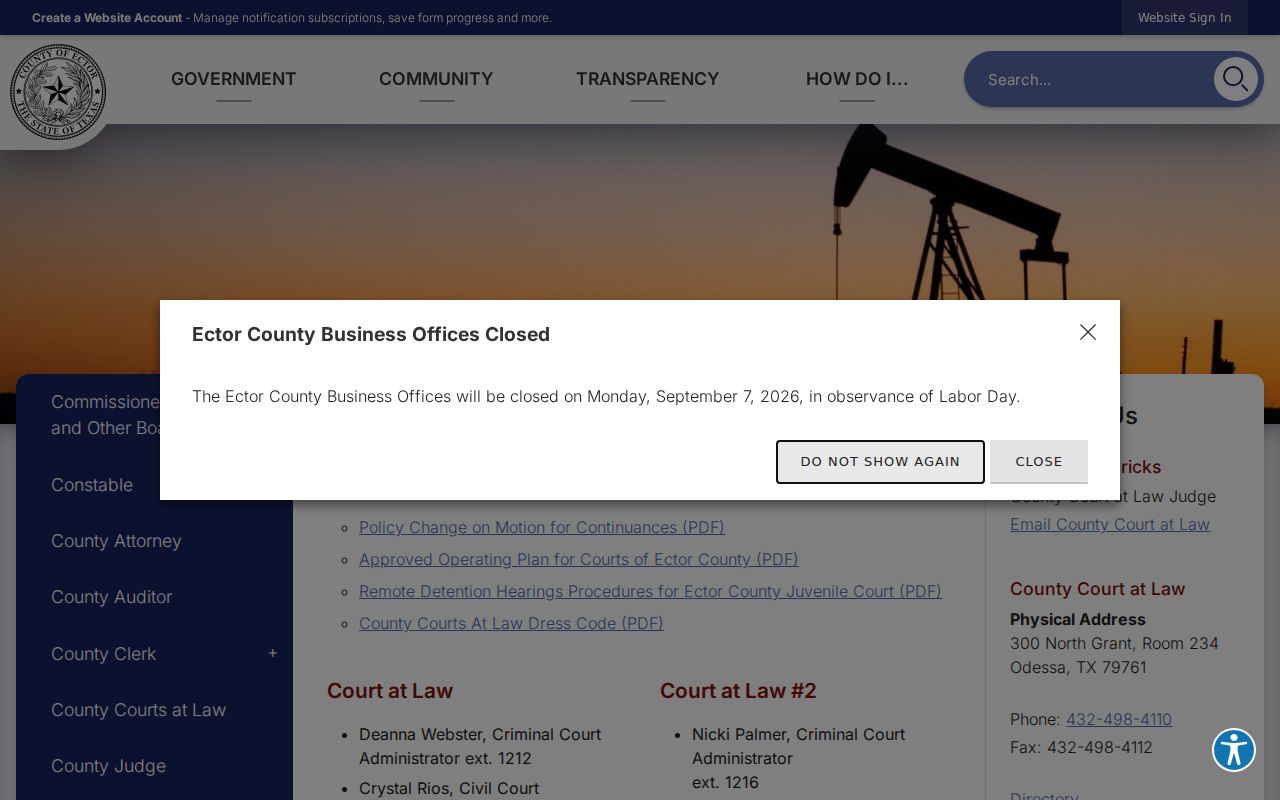
The county page lists calendars; the case order governs.
Ector County Lower-Court Calendars
Justice and municipal calendars sit apart from Ector County's District and County Courts at Law. JP Precincts 1 and 4 post weekly docket information. They publish through their county pages. All four JP offices list Room 208 at the county courthouse, yet each has its own phone line and posted hours. Let the precinct number guide the check. Jumping between JP pages without confirming venue invites the wrong weekly list.
Odessa Municipal Court runs its own citation and docket channels. City instructions generally require a response to a citation within fourteen days. Those municipal rules do not carry over to a county JP or District Court case. Use the city docket only for city matters. Verify the latest setting with that court before appearing.
Missed Ector County Settings and What Comes Next
Act at once after missing an Ector County setting. First, find the cause number and court. They sit on the last notice. Check the current docket for a warrant, bond, reset, default, or new setting entry. Do not wait for an online update before calling the court. Contact the holding clerk, coordinator, or counsel and ask what has been entered.
Missed a Setting? A missed date can lead to a failure-to-appear entry, warrant, bond action, default, or another court response.
Contact the assigned Ector County court or clerk at once and keep the cause number ready.
Seek advice from a licensed lawyer before appearing if an urgent order may exist.
Consequences vary with the case and the court. A civil matter, a felony case, a JP matter, and an Odessa citation have no single cure. Staff can state what the record shows and explain filing channels. They cannot give legal advice or promise that a judge will grant a new date.